Purchase Order Adjustments Upload – a new download/upload pair of functions has been added to let you download and then upload an existing purchase order with new product order information. This allows users to make mass changes to quantities/prices across the line-items and then upload those changes
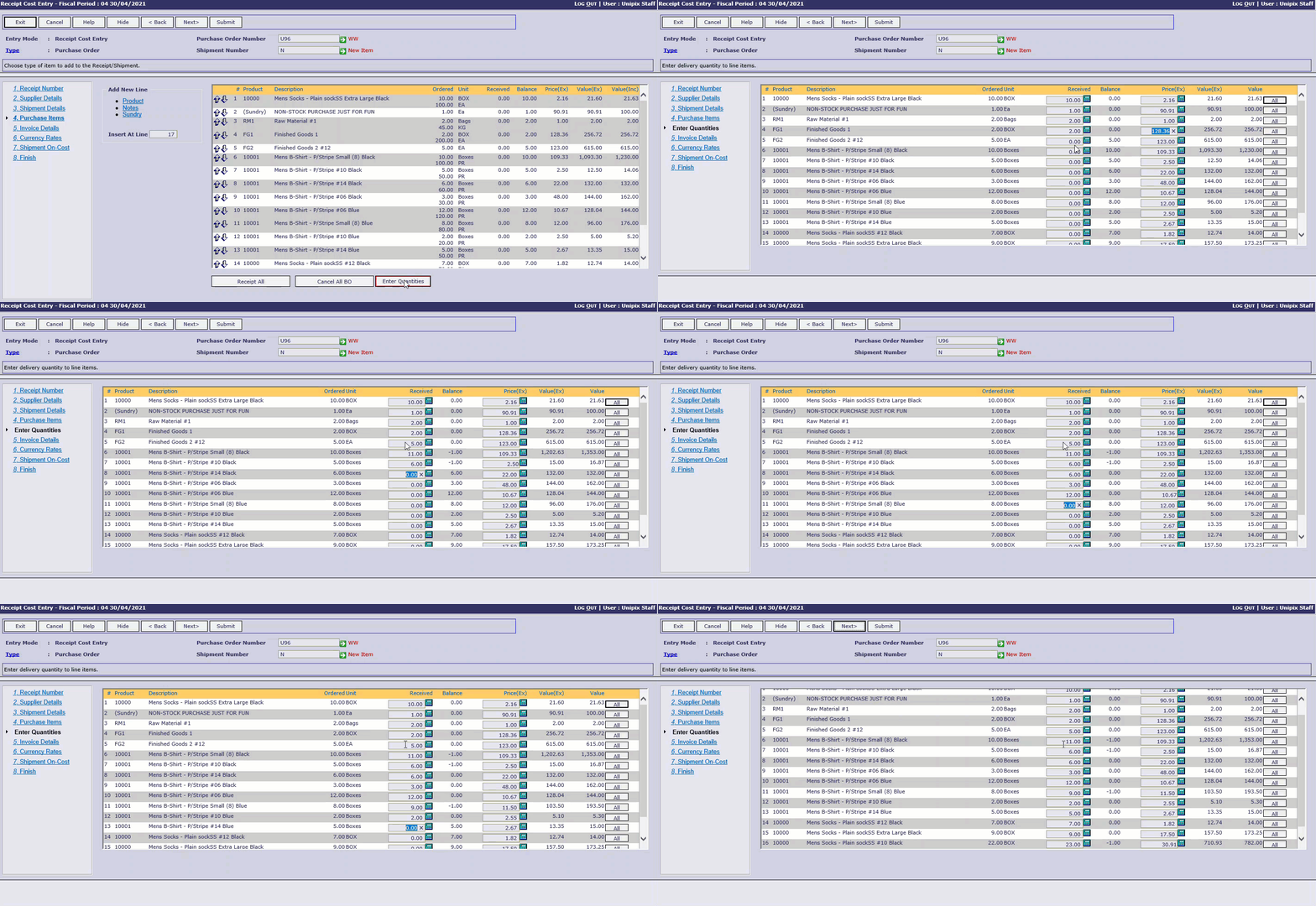
Shipment Receipts – we’ve added an alternate method for entering received quantity and pricing to the Purchasing Shipment Receipts function to allow for quicker user input when there are lots of line-items to change
Deleting Orders – now when you delete an order via Picking Adjustments or Manual Despatch you are asked to enter an optional reason for deleting the order
Order Forms
- Line item text and text-only lines have now been added to order forms maintenance. These text details are loaded into a sales order when the order form is used
- For quick entry of sized/coloured products, when you enter a product in order form maintenance, we’ve added an ‘All’ option for both Sizes and Colours. If you choose ‘All’, then the system will create line items on the order form for every size/colour for the product entered automatically
Manufacturing Specifications – if you have configured your product format to have multiple ‘Size’ and ‘Colour’ options turned on, we have reserved the ‘+’ code for sizes and colours to represent ‘All’ sizes/colours for a product ‘model’ (or ‘style’). The ‘All’ size/colour option can be selected when creating manufacturing specifications and that specification can be used as a ‘template’ when creating specifications for specific size and colour combinations
Payment Runs – a ‘Bank Transfers Only’ payment run menu has been added to the system. It has none of the “cheque” related handling options that the original payment run functions had making it quicker and easier process ‘EFT’ payment runs
Cash Management
- Upload Bank Fees – a new function has been added for uploading bank fees from a file
- Bank Transactions cleared report – improvements made to information shown and general layout including showing the current/previous statement numbers/balances
- Inter-bank Transfers – improved to allow the automatic allocation of a reference by default. This ensure that the bank transfer transaction appears as an individual item in the bank reconciliation